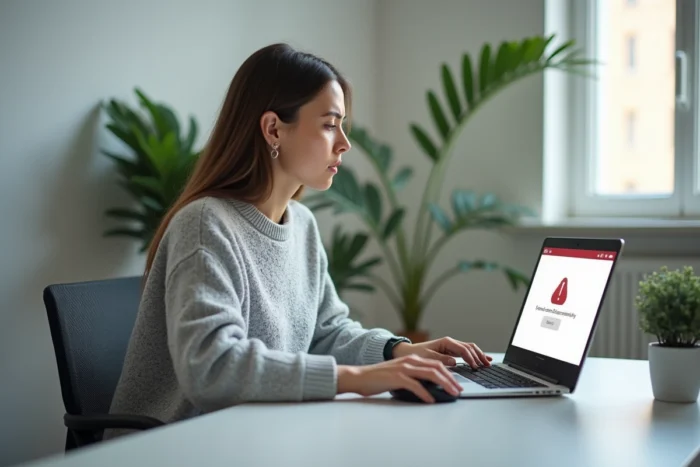
One click on myfoncia.com, a blank page or an error message, and accessing your rental or condominium documents goes down the drain. Connection issues to the MyFoncia client area rarely stem from a server outage. Identifying the source of the blockage on your own device allows you to regain access without waiting for Foncia support.
Browser, extensions, and privacy: MyFoncia blockages on the user side
Since 2024-2025, the majority of documented MyFoncia connection blockages on support forums come from the local environment: outdated browser, anti-tracking extension, active VPN, private DNS, or enhanced iOS privacy settings. The site myfoncia.com itself is functional, but the user’s device prevents the complete loading of the page.
Specific incompatibilities after certain Firefox updates have been reported by users, easily resolved by switching to another browser. This type of conflict often goes unnoticed because the browser does not return any explicit error message.
| Source of blockage | Typical symptom | Resolution |
|---|---|---|
| Anti-tracking extension (uBlock, Privacy Badger) | Blank page or infinite loading | Disable the extension for myfoncia.com |
| VPN or private DNS | Certificate error or timeout | Disable the VPN, switch back to automatic DNS |
| Outdated browser (Firefox, Safari) | Broken display, inactive login button | Update or test Chrome/Edge |
| iOS privacy settings (Safari) | Blocked cookies, session not saved | Allow cookies for myfoncia.com |
| Corrupted cache and cookies | Redirect loop on login | Clear the cache or open a private browsing window |
Before contacting your agency, it is often sufficient to test the connection in private browsing mode on an updated browser. If the MyFoncia page displays normally in this mode, the problem lies with your usual configuration, not Foncia’s servers.
For users facing a persistent blockage, it is still possible to find solutions on France Immo Express with a more detailed diagnosis based on your situation.
Forgotten password and MyFoncia activation code: two distinct situations
Forums often mix up two cases that have nothing to do with each other. A tenant who has already activated their account and forgotten their password does not follow the same procedure as a new co-owner who has never received their activation code.
Password reset
The MyFoncia login page offers a standard reset link. An email containing a temporary link is sent to the address associated with the account. If this email does not arrive, two checks are necessary:
- Check the spam or junk folder, especially on Gmail and Outlook which sometimes filter transactional emails from Foncia
- Ensure that the email address used matches the one declared during account activation (an unreported address change blocks the process)
- Wait about ten minutes before restarting the procedure, as reset emails sometimes experience a delivery delay
Activation code never received
The MyFoncia access code is provided by the agency during the signing of the lease or management mandate. Without this code, no online account creation can be completed. If the document has been lost, only direct contact with your local Foncia advisor can retrieve it.
This distinction may seem trivial, but it explains why the online reset procedure does not work for users who have actually never completed their registration.
MyFoncia on smartphone: no dedicated app, a responsive site
A frequent point of confusion fuels outage reports: access to MyFoncia is exclusively via the website myfoncia.com, which is responsive and adapts to smartphone screens. Searching for a MyFoncia app on the App Store or Google Play Store leads nowhere (or to unrelated results).
This lack of a native app has a direct consequence on mobile connection issues. Mobile browser privacy settings, especially Safari on iPhone, block third-party cookies more aggressively than their desktop versions. A user who navigates without issue on their computer may find themselves facing a logout loop on their phone.
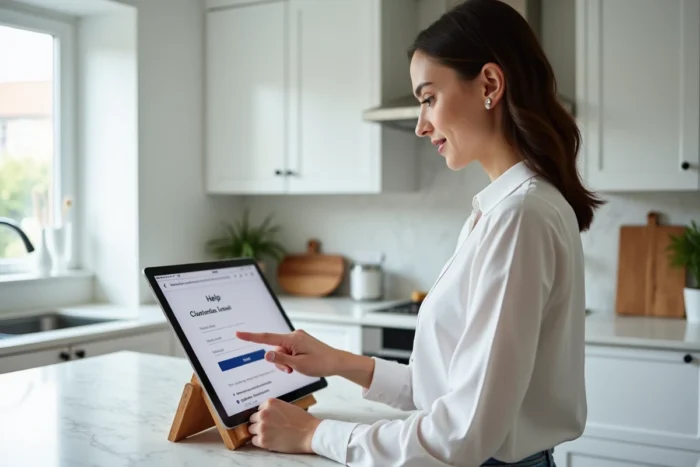
The most reliable solution on mobile remains to use an updated Chrome or Firefox, ensure that cookies are allowed for the site myfoncia.com, and avoid accessing it via a shortened link or an old bookmark that may point to an outdated URL.
Foncia server outage: how to distinguish a general problem from a local blockage
When the connection fails, many users instinctively conclude that there is a Foncia outage. Tracking sites like TotalBug aggregate real-time reports and allow you to check if other users are experiencing the same issue at the same time.
- If reports on these platforms are numerous and concentrated within the same time frame, a server-side outage is likely: there is nothing to do but wait
- If reports remain close to zero, the problem is local and the checks described above (cache, extensions, browser) apply
- A spike in reports may also correspond to scheduled maintenance by Foncia, usually carried out outside of business hours
Checking a downtime tracking site takes less than a minute and avoids wasting time modifying your network settings for no reason.
The last reflex to adopt before seeking support is to test the connection from another device or network (mobile data instead of Wi-Fi, for example). If the problem disappears, the cause is clearly identified: your network or device is blocking access, not MyFoncia.