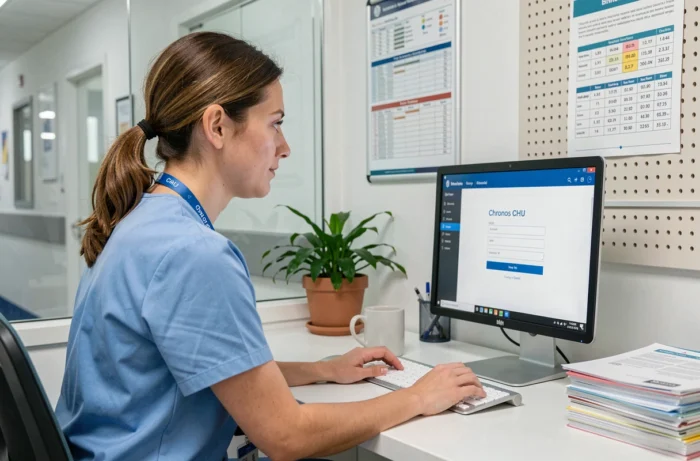
Chronos equips the majority of French university hospitals for work time management, but connecting to the agent space remains a recurring source of friction. Between the intranet portals specific to each establishment, the gradual rollout of My Chronos Space, and the tightening of multi-factor authentication, access methods vary depending on the hospital, the device used, and the agent’s profile.
Intranet portal, extranet, and My Chronos Space: three entry points to distinguish
The most common confusion among hospital agents concerns the connection channel. Depending on the establishment, access to Chronos may go through an intranet accessible only on the internal network, an extranet open from the outside, or the My Chronos Space portal deployed by Asys.
| Access Channel | Connection from the hospital | Remote Connection | Agent Features |
|---|---|---|---|
| Establishment Intranet | Yes (local network) | No (except VPN) | View schedule, counters |
| Establishment Extranet | Yes | Yes (web browser) | View schedule, counters, sometimes leave requests |
| My Chronos Space (Asys) | Yes | Yes (web and mobile) | View, request leave, change requests, counters |
The intranet remains the historical mode in many university hospitals. The agent must be physically connected to the establishment’s network or use a VPN provided by the IT department. The extranet, on the other hand, offers access via a browser from any internet connection, but its URL varies from one university hospital to another.
My Chronos Space, launched by Asys in 2023-2024, represents a shift in logic. This unified portal allows agents to directly perform actions (request leave, validate a schedule change) without going through the management interface. Not all university hospitals have deployed it yet. Check with your human resources department to see if your establishment has transitioned to it.
For a detailed guide on the connection procedure based on your situation, access to Chronos CHU on Bretagne Net outlines the steps specific to each configuration.
Multi-factor authentication in hospitals: what concretely blocks agents
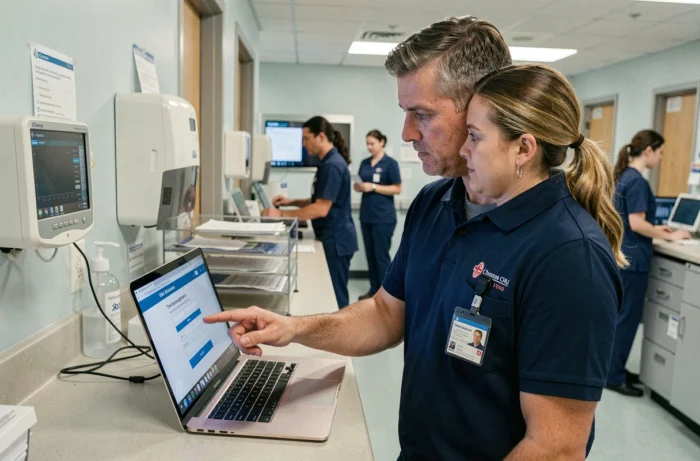
Public health establishments are generalizing multi-factor authentication (MFA) for remote access to hospital information systems, including Chronos. This measure stems from national cybersecurity programs and the increase in attacks targeting hospitals.
The principle is simple: in addition to the username/password pair, a one-time code is required. It can be generated by an application (Microsoft Authenticator, for example), received via SMS, or sent by push notification.
In practice, MFA only poses problems remotely. On a workstation connected to the establishment’s internal network, simple authentication (username + password) is sufficient in most university hospitals. Difficulties arise when the agent tries to connect from home, from another site of the same university hospital, or from a personal device.
Most common blocking sources
- The authentication application was not configured before the first remote connection. The initial activation often has to be done on-site, via a workstation on the internal network
- The phone number associated with the account is no longer up to date, preventing the receipt of the code via SMS
- The browser or device used is not recognized by the system, triggering an additional verification request with each attempt
A blocked account after several failed attempts requires unblocking by the IT department, not by the HR service. The distinction to remember: the Chronos password and the Windows session password are not always synchronized.
Connecting to Chronos from another site of the university hospital: network constraints to know
Multi-site university hospitals (Lapeyronie and Arnaud de Villeneuve in Montpellier, Gabriel Montpied and Estaing in Clermont-Ferrand) segment their network by geographical location. An agent temporarily transferred or on a mission to another site does not automatically find their usual environment.
When access goes through the intranet, the workstation must belong to the same network domain as the assigned service. A workstation from site B does not necessarily provide access to the intranet of site A. The extranet bypasses this limitation since it operates via the internet, but not all establishments activate it for Chronos.
The most reliable solution remains to request extranet access from the IT department or to check if My Chronos Space is available for your establishment. This portal, accessible via browser or mobile application, does not depend on the local network.
AI Assistant in My Chronos Space: what it changes for connection and usage
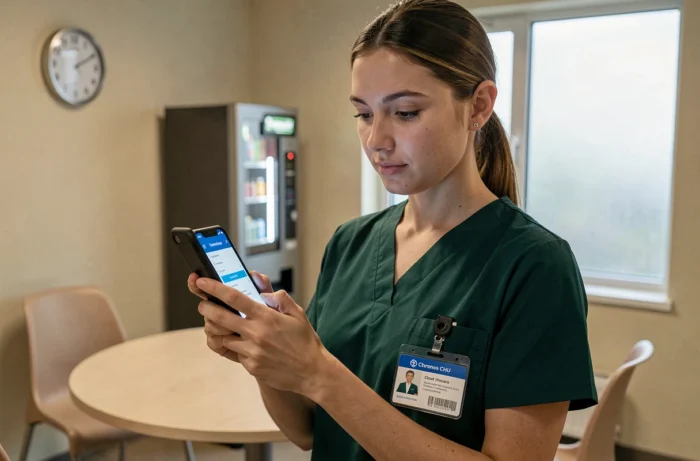
Asys integrated an AI assistant directly into My Chronos Space in 2024-2025. This tool understands requests made in natural language (“request leave next week”) and executes the action in Chronos.
This is not a connection help chatbot. The AI assistant intervenes after authentication, once the agent is logged into their space. It reduces the number of clicks needed for common actions: viewing counters, requesting leave, modifying schedules.
For agents who are not familiar with the Chronos interface, this assistant simplifies daily use. However, it does not resolve access issues to the portal itself. An agent who cannot connect must first address the authentication and access channel issues before benefiting from this feature.
Summary of connection steps
- Identify your establishment’s access channel: intranet, extranet, or My Chronos Space
- Ensure your password is up to date and that the authentication application is configured if you are connecting remotely
- In case of blockage, contact the IT department (not the HR service) for account unblocking
- From another site of the university hospital, prefer the extranet or My Chronos Space rather than the local intranet
The determining factor remains the initial configuration. An agent who activates MFA and verifies their extranet access before needing it avoids the majority of blockages. University hospitals that have migrated to My Chronos Space offer smoother access, but the transition depends on each establishment and its deployment schedule.